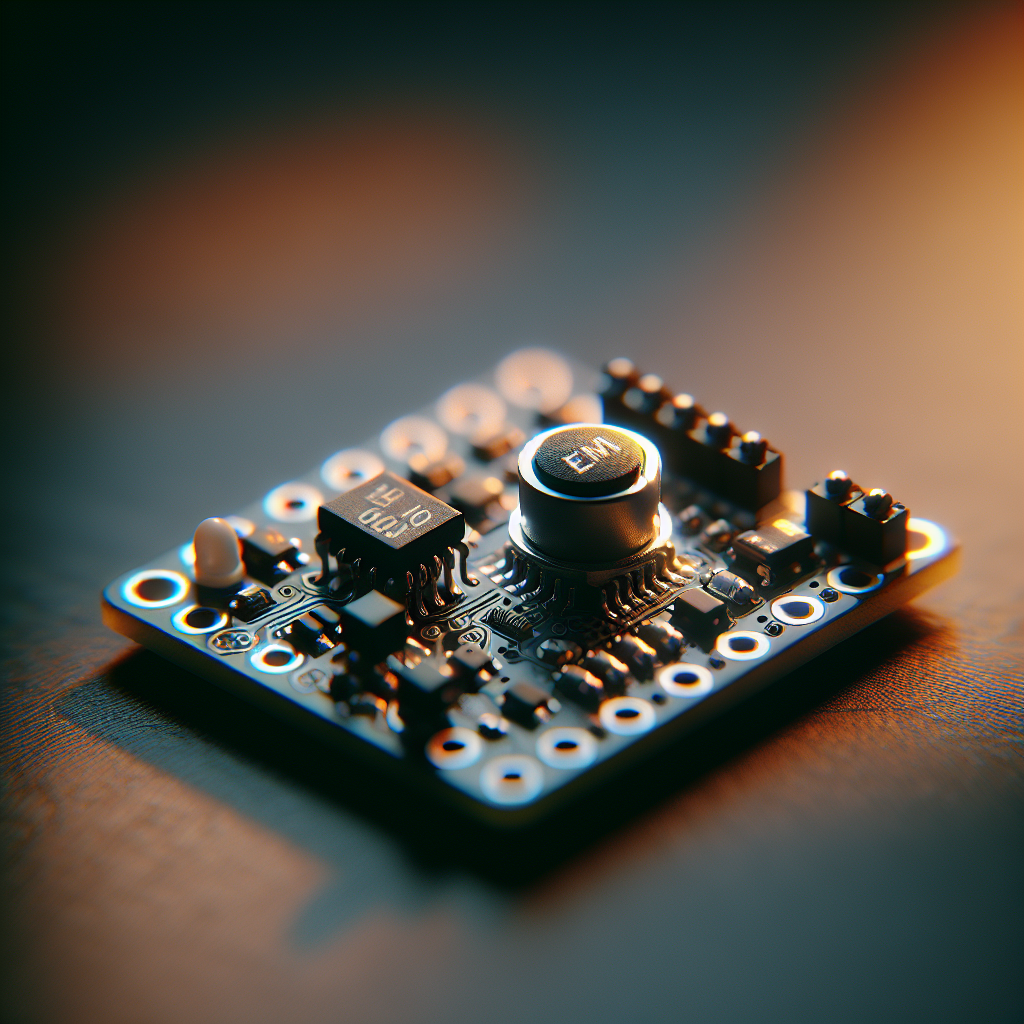
SoftLatch — Multi‑Mode Boot Selection Using a Single Button
 Alex Solis
·
Alex Solis
·
Why a single‑pin mode selector?
Headless devices frequently need a way to enter alternate modes: safe mode, firmware update, factory reset, diagnostics. Adding a header or extra jumpers is fine in the lab but a pain in the field. SoftLatch gives you several selectable boot modes using one momentary button and the MCU's internal pull‑up — no extra parts, no extra pins, deterministic behavior.
The idea in two sentences
Poll the pushbutton during a short boot window and interpret the timing pattern. Different timing patterns map to different modes: no press = normal, double press = bootloader, long press = recovery. Keep it non‑blocking and robust against bounce so the rest of your boot sequence can proceed quickly if nothing special is requested.
Hardware
- One momentary pushbutton between the selected GPIO and ground.
- Configure the pin with the MCU's internal pull‑up (no external resistor required).
- Optional: one LED for visual feedback.
Behavior and timing
Make a short sampling window after reset — 1.0–2.0 seconds is a good sweet spot. During that window implement a small state machine that counts down and detects button events. Example mapping:
- No button activity inside window → Normal boot
- Single short press → Diagnostic mode
- Double press quickly → Bootloader (firmware update)
- Long press > 1.5s → Factory reset / recovery
Minimal, robust algorithm
Key goals: debounce, non‑blocking, deterministic. Sample the button at a fixed tick (1 ms or 5 ms). Track a debounce counter and an event counter. When a valid press is detected increment the event counter and timestamp it; use inter‑press timeout to decide when the pattern is complete.
// Pseudocode (call from early init with millisecond ticks)
const int BOOT_WINDOW_MS = 1500;
const int DEBOUNCE_MS = 20;
const int INTER_PRESS_MS = 400;
const int LONG_PRESS_MS = 1500;

int ticks = 0;
int down_ms = 0;
int up_ms = 0;
int presses = 0;
bool in_press = false;

while (ticks < BOOT_WINDOW_MS) {
  bool raw = read_button(); // true when pressed (pin == 0 with pull-up)
  ticks += tick_ms();      // called from timer ISR or loop

  if (raw) {
    down_ms += tick_ms();
    up_ms = 0;
    if (!in_press && down_ms >= DEBOUNCE_MS) {
      in_press = true; // stable press detected
    }
  } else {
    up_ms += tick_ms();
    down_ms = 0;
    if (in_press && up_ms >= DEBOUNCE_MS) {
      // confirmed release -> count a press
      in_press = false;
      presses++;
      last_press_time = ticks;
    }
  }

  // if a long press was held
  if (in_press && down_ms >= LONG_PRESS_MS) {
    mode = MODE_FACTORY_RESET;
    break;
  }

  // if inter-press timeout elapsed, evaluate presses
  if (!in_press && presses > 0 && (ticks - last_press_time) >= INTER_PRESS_MS) {
    if (presses == 1) mode = MODE_DIAGNOSTIC;
    else if (presses == 2) mode = MODE_BOOTLOADER;
    break;
  }
}

if (mode == UNSET) mode = MODE_NORMAL;
Preserving the choice across resets
If your mode must survive a full power cycle you need non‑volatile storage. A small reserved flash page, an EEPROM emulation slot, or an RTC backup register (if available) works. Use a compact magic value and checksum to avoid leaving the device bricked by a corrupted flag.
Example: write a 32‑bit word consisting of a 16‑bit magic, 8‑bit mode, 8‑bit CRC. On boot the bootloader looks for the magic word and validates the CRC before acting. Always provide a safe fallback so a corrupted word doesn’t force an unrecoverable state.
Implementation tips
- Debounce with a small counter rather than delay loops. It keeps the boot responsive and plays nicely with watchdogs.
- Choose tick resolution that balances responsiveness and CPU cost. 1–5 ms ticks work well for button patterns.
- Provide LED feedback: blink a pattern once the mode is chosen so users know what the device will do.
- Avoid long blocking loops — use the boot window to do other low‑priority init if possible.
- Test with imperfect buttons. Mechanical bounce, contact oxidization and users who “wiggle” the button are real-world facts of life.
Edge cases and troubleshooting
If your device misreads presses:
- Increase debounce time slightly. Cheap buttons can bounce for 10–30 ms.
- If false positives occur on power‑up ramp, add a small 100 nF capacitor across VCC/GND or increase the initial sampling delay to let VCC stabilize.
- If you see missed rapid double presses, lower the INTER_PRESS_MS or increase sampling rate.
- Consider using the ADC to measure a voltage divider if you need more than a few modes on a single pin — that trades analog complexity for extra states.
Why this is useful
SoftLatch keeps your bill of materials minimal and your product assembly simple while still offering a flexible UX for field service and updates. It's especially handy for battery devices, sealed enclosures, or tiny boards where every pin and part counts.
Go try it
Start with the pseudocode above, tune timings for your hardware and users, and add a small persistent flag if you need durability across power cycles. In a few dozen lines of code you get a predictable, low‑cost mode selector that behaves well in the real world — exactly the sort of small, useful hack I like.
Pro tip: document what each press pattern does on your product label or in your manual. Cheap UI + clear instructions beats mystery buttons every time.