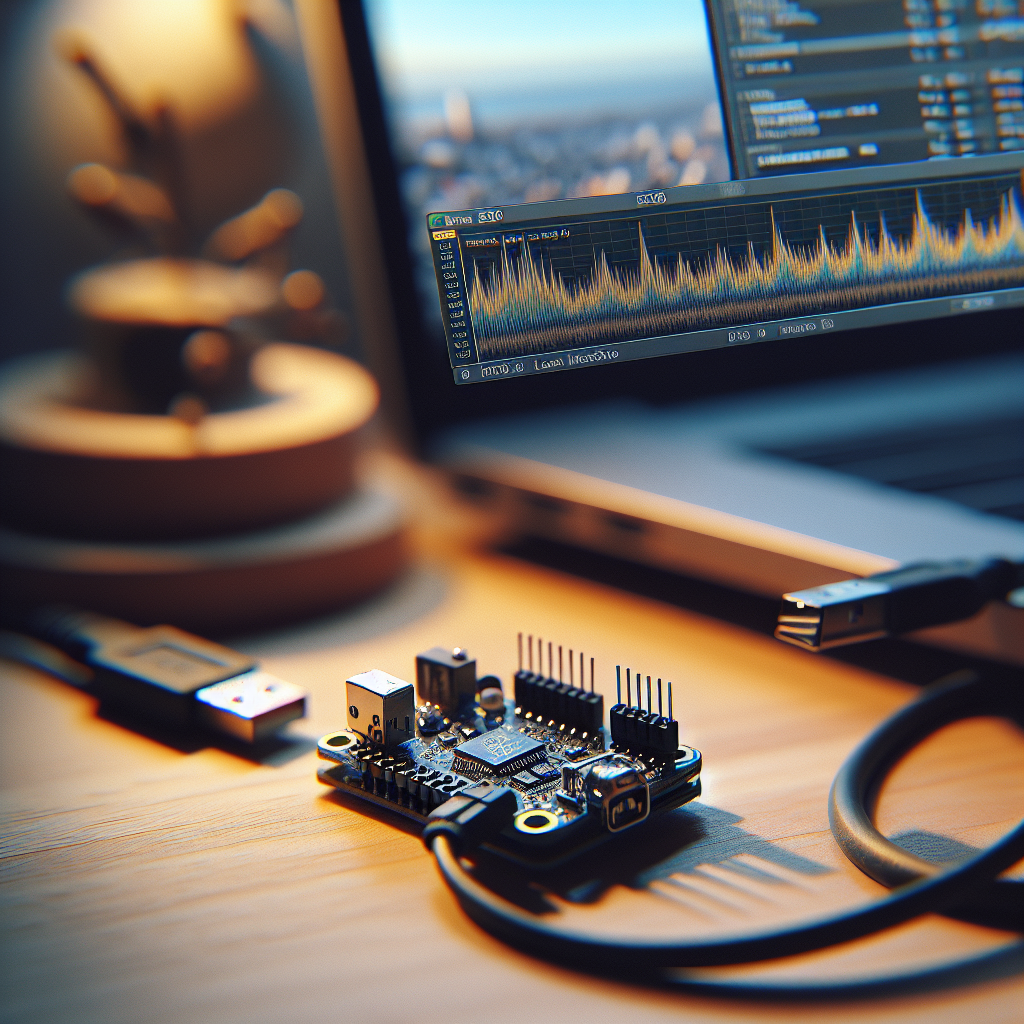
ShuntSleuth: A Minimal Local Power Logger with INA219 and ESP32-C3
 Alex Solis
·
Alex Solis
·
Overview
ShuntSleuth is a minimal, local power logger for monitoring small DC loads. It combines an INA219 I2C current/voltage sensor with an ESP32-C3 to sample voltage and current, keep a lightweight rolling history in RAM, and serve a tiny web UI that runs entirely on the device. The goal is practical: cheap parts, minimal software dependencies, and no third-party services. Bring your soldering iron and curiosity.
What you need
- ESP32-C3 board (or any ESP32 with I2C pins)
- INA219 current/voltage sensor breakout
- Small DC load and power source to measure (e.g., 5V USB device)
- Jumper wires, small breadboard or perfboard
- Optional: enclosure, terminal blocks
Wiring
- Connect INA219 VCC to 3.3V on ESP32-C3 and GND to GND.
- Connect SDA to the ESP32-C3 SDA pin and SCL to SCL pin (check your board pinout).
- Wire the INA219's current-sensing path in series with the load: VIN+ to supply, VIN- to load input.
- Double-check grounds and that the INA219 VCC matches your ESP board voltage.
Firmware sketch (high level)
Keep firmware small. Use Arduino core or PlatformIO with the Adafruit INA219 library and the WebServer or ESPAsyncWebServer. The device samples at a configurable interval (default 1s), stores N samples in a circular buffer, and serves a single HTML page plus two JSON endpoints: one for current snapshot and one for the rolling history.
Minimal pseudocode:
setup()
  init INA219
  init WiFi AP or STA
  start webserver
  start timer to sample every 1000ms

loop()
  webserver handle client
Sampling handler:
sample()
  V = readBusVoltage()
  I = readCurrent()   // in mA or A depending on library
  P = V * I
  push (timestamp,V,I,P) into ring buffer
Web UI
Keep the web page minimal: a small HTML page that polls /snapshot (JSON) every second and /history (compact CSV or JSON) when user expands the graph. You can render the rolling history as a simple inline SVG polyline or even as ASCII bars — no charts library needed.
Essential endpoints:
- /snapshot — returns current V, I, P and timestamp.
- /history — returns recent N samples in compact CSV: ts, V, I, P; consumed by the UI or downloaded.
- /download — forces a CSV file download of the full ring buffer.
Storage and privacy
RAM-only rolling buffer keeps things simple and private. Typical default: 60 samples at 1s gives one-minute history. Increase if you have more RAM or lower sample frequency. No external APIs, no telemetry, and no JavaScript libs pulled from CDNs — serve everything locally.
Calibration and accuracy
The INA219 is convenient but not laboratory-accurate. For decent results:
- Confirm shunt wiring is solid and low-resistance connectors are used.
- If you need accuracy, measure a known load (e.g., a 1A USB load) and compute a simple scale factor in firmware.
- Watch ADC saturation: INA219 has ranges and a calibration register; adjust it if your current range differs from the default.
Troubleshooting
- No I2C device found: check VIN on INA219, confirm SDA/SCL pins, and try scanning I2C addresses with a scanner sketch.
- Readings zero or noisy: verify VIN+/VIN- are in series with the load, ensure ground continuity, and check sampling interval (too fast can be noisy).
- Web page unreachable: confirm WiFi mode (AP vs STA), IP address printed to serial, and that you’re on the same network if using STA.
- Values off by constant factor: measure with a multimeter and apply a multiplier to current or voltage in firmware to correct systematic error.
Example tweaks
- Low-power mode: put ESP32-C3 in light sleep between samples and wake with timer to conserve power if you want battery operation.
- Edge cases: protect the INA219 from reverse connection and transient spikes using a small TVS diode on the supply if measuring automotive-ish loads.
- Data export: add a simple CSV query so you can download a minute or hour of samples for offline plotting.
Why this design
ShuntSleuth keeps the toolchain tiny, the UI under your control, and the data local. It’s a practical meter for quick troubleshooting, verifying USB chargers, or watching how a device behaves when you toggle power-saving modes. The components are cheap and widely available; the software is intentionally small and easy to audit.
Pro tip: If you’re testing a USB device, place the INA219 on the 5V side rather than the ground side. The INA219 can measure high-side voltage, which avoids ground loop surprises.
Next steps
Once you’ve got a working unit, consider adding a tiny OLED for headless operation, or a toggle switch to log only when a test is running. If you want long-term logging, stream CSVs to a local NAS over SMB or a tiny HTTP POST to an internal endpoint — still local, still private.
ShuntSleuth is intentionally small: a one-board measurement gizmo that gives you quick insight without oodles of setup. It’s the sort of tool you build when you want data, not cloud signup forms.