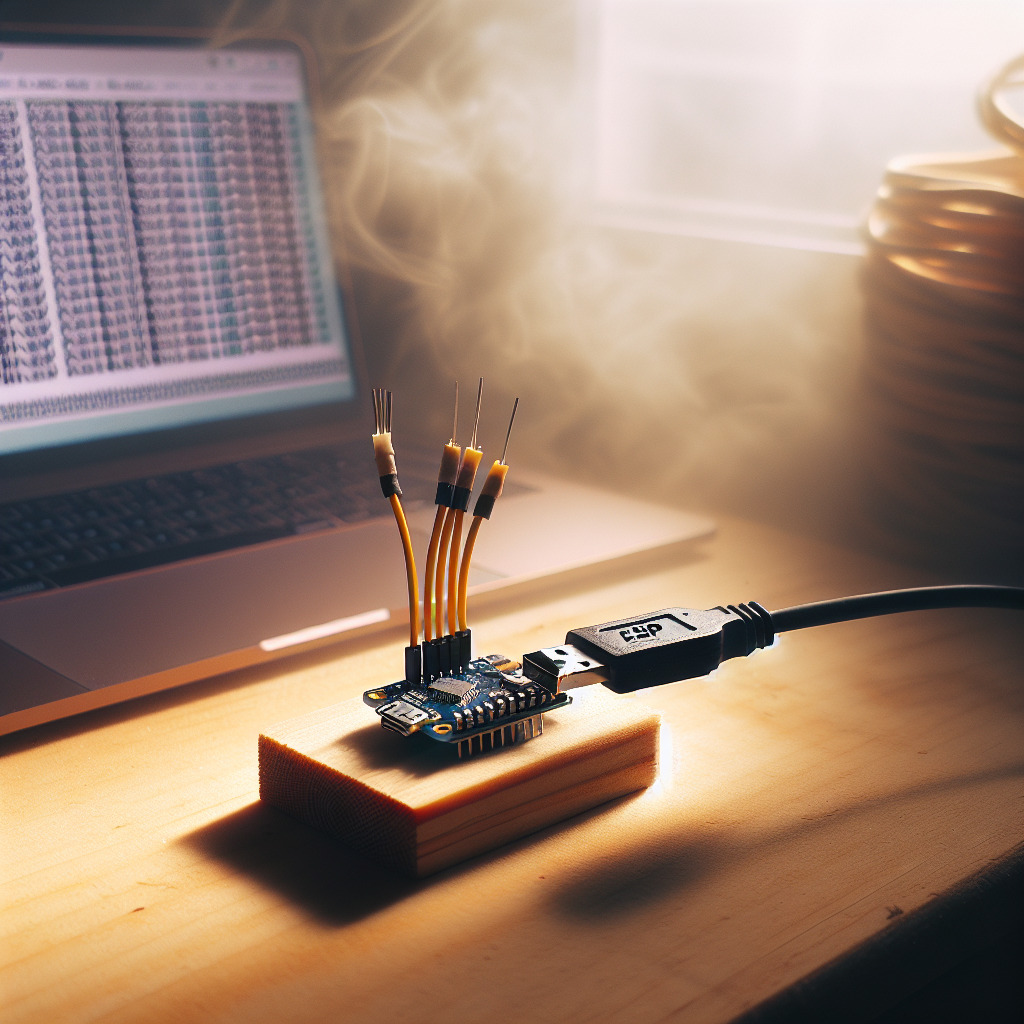
SerialSift: A Minimal Local Serial-to-Web Logger (ESP8266)
 Alex Solis
·
Alex Solis
·
What it is and why it exists
SerialSift is a small DIY tool: an ESP8266 that listens to a hardware UART and serves the last few hundred lines to a browser on your LAN. No cloud, no external dependencies, and a web UI small enough to fit in a few kilobytes. It’s handy for debugging sensors, microcontrollers, or anything that speaks serial and you want to monitor from your phone or laptop without running a full laptop next to the bench.
Core idea
Keep things tiny and reliable:
- Read incoming bytes from Serial1 (the hardware UART) into a circular line buffer.
- Host a tiny web server that serves a static HTML dashboard and a
/logsendpoint returning recent lines as JSON. - The browser polls
/logsevery second and renders new lines.
Parts
- ESP8266 module (NodeMCU, Wemos D1 mini, etc.)
- TTL serial connection from the device to monitor (3.3V).
- Jumper wires and common ground. Optional: a logic level shifter if the target is 5V.
Wiring
- Connect the target device TX to the ESP8266 RX (Serial1 RX pin - typically D8 or the hardware RX pin depending on your board).
- Connect target device RX to ESP TX only if you need to send commands. For passive logging, skip or leave disconnected.
- Connect grounds together.
- Ensure both sides share 3.3V logic. Use a level shifter for 5V devices.
Minimal sketch overview
Use the Arduino core for ESP8266. The sketch does three small jobs:
- Join Wi-Fi (or set up AP mode if you prefer).
- Poll Serial1 for incoming bytes and assemble lines, pushing them into a circular array of strings.
- Serve the static dashboard and a JSON endpoint with recent lines.
Key data structures are intentionally small: a fixed-size array of String (or preallocated char buffers if you prefer extra frugality) and an index pointer. The web endpoint returns the lines in chronological order.
Example behavior
When the browser requests /logs it gets JSON like:
["Boot OK","Sensor: 23.5","Sensor: 23.6"]
The page uses a tiny JS loop (fetch every 1s) and appends new lines to the display. No websockets needed, no fancy frameworks.
Why poll instead of push?
Server-Sent Events and WebSockets are fine, but they add complexity and sometimes extra libraries. Simple polling is robust, easy to implement on constrained devices, and keeps RAM and flash usage minimal. For most debugging tasks a 1s poll interval is more than enough.
Tweaks and options
- Buffer size: start with 200-500 lines. If RAM is tight, reduce the number of lines or limit line length.
- Baud rates: set Serial1.begin(baud) to match the device. Use a hardware UART for reliable high-speed logging.
- AP mode: if you don’t want to add Wi-Fi credentials to code, have the device start as an access point and serve the UI directly.
- Persistent logs: you can optionally write older lines to SPIFFS if you want a rolling disk-backed log. That adds wear complexity; keep it optional.
Troubleshooting checklist
- No lines appear: check ground and TX/RX wiring (cross TX->RX). Ensure target actually sends data.
- Garbled text: baud mismatch or voltage level mismatch. Verify both sides use 3.3V logic.
- ESP reboots or runs out of memory: reduce buffer size, avoid large dynamic allocations, and prefer fixed-size char arrays when necessary.
- Web page won’t load: ensure ESP connected to same network as your client, or switch to AP mode and join its SSID.
Privacy and local-first thinking
SerialSift never sends data off your LAN unless you explicitly program it to. The web UI and logs are hosted on the device itself. That keeps sensitive serial output (for example, device identifiers or sensor data) local and under your control. If you add persistent storage or remote forwarding later, treat those as explicit choices and document where data goes.
Simple sketch outline (pseudocode)
setup():
  WiFi.mode(WIFI_STA); WiFi.begin(ssid, pass);
  Serial.begin(115200); // debug
  Serial1.begin(9600); // device
  startWebServer();

loop():
  while (Serial1.available()) readByteAppendToLineBuffer();
  handleWebServer();
The actual Arduino/ESP8266 code is intentionally compact: a few dozen lines for the buffer logic and web endpoints, plus a handful of lines for the dashboard HTML.
When to use SerialSift vs a laptop
Use SerialSift when you want a small always-on logger for a lab bench, field device, or a gadget that’s inconvenient to tether to a laptop. It’s not a replacement for full-fledged serial debuggers when you need breakpoint-level interaction, but for tailing logs, checking boot output, and quick diagnostics it’s perfect.
Small devices, local UI, no cloud: the simplest solutions are often the most useful.
Next steps
- Add optional filters, regex highlights, or color-coding in the UI.
- Provide a simple action button to send a reset sequence to the target (if you connect TX/RX both ways).
- Offer an offline mode that stores logs to SPIFFS when the web client isn’t connected.
SerialSift is a deliberate, low-friction tool: small code, small RAM footprint, and a tiny web UI that keeps your logs on the local network. If you want, I can attach a ready-to-flash Arduino sketch and the 200-line dashboard HTML in a follow-up.