PulseTap — Capacitive Touch on Minimal Microcontrollers
 Alex Solis
·
Alex Solis
·
Why capacitive touch on tiny MCUs?
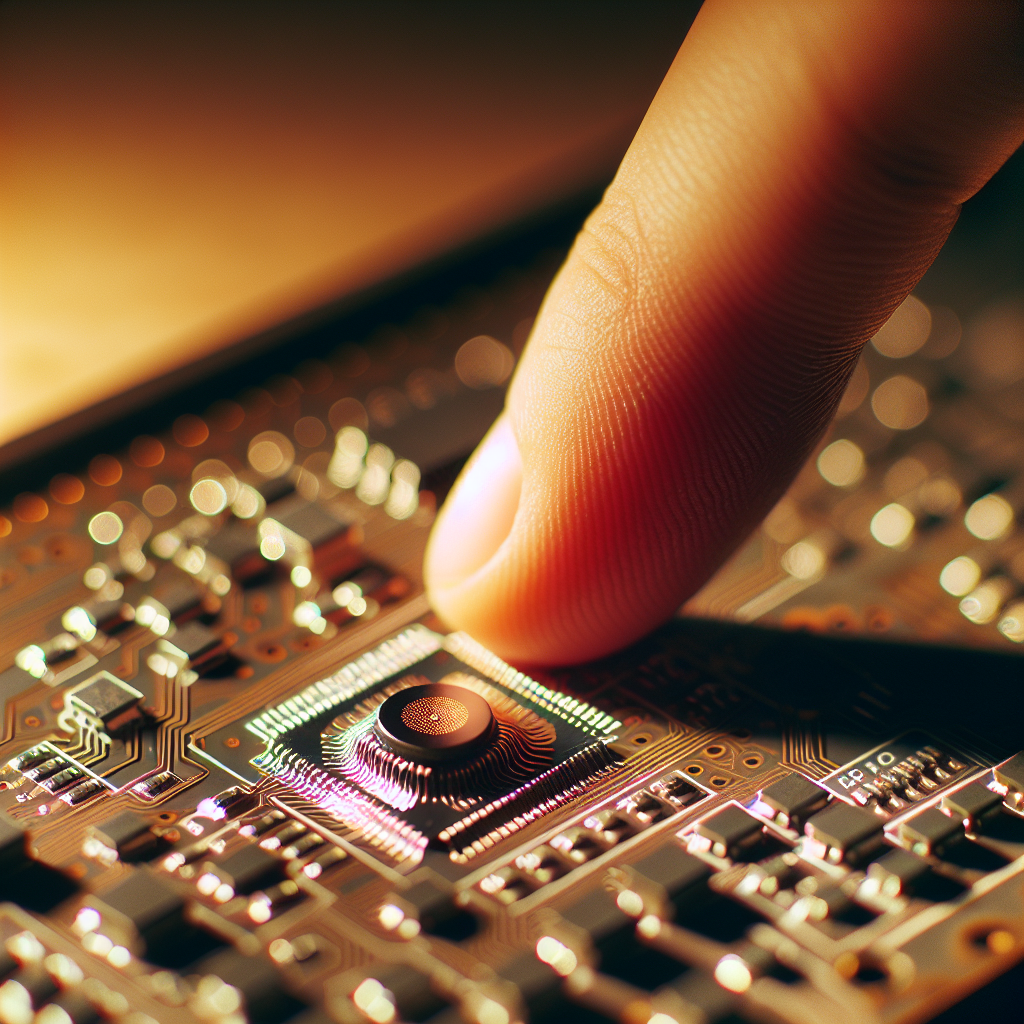
Capacitive touch makes interfaces cleaner and more durable than mechanical buttons, but the usual approaches assume ADCs, comparators, or dedicated touch controllers. For hobbyist boards and tiny 8-bit parts those peripherals aren’t always available. PulseTap is a simple, practical technique that uses only a single GPIO, a resistor, and a little firmware to detect finger proximity reliably, with a sub-kilobyte footprint.
What you need
- One GPIO pin that can be driven high and read as input (push-pull OK).
- A sensing pad (copper, PCB pour, or a small metal surface) connected to the GPIO.
- A resistor between the pin and ground — start with 1 MΩ for general use. Values 100 kΩ–10 MΩ are usable depending on pad size and sensitivity.
- Optional: a small series resistor (10–100 kΩ) between the MCU pin and pad for ESD and stability.
How it works, in plain terms
Think of the pad and finger as a tiny capacitor. We charge the pad quickly by driving the GPIO high, then switch the pin to input and measure how long it takes for the pad to bleed down through the pull-down resistor to read as logic low. When a finger is near, the effective capacitance rises and the discharge takes longer. Measuring that timing gives a proxy for capacitance without ADCs or comparators.
Simple measurement loop
- Drive the pin low for a short time to discharge the pad.
- Drive the pin high (output) for a fixed charge pulse (e.g., 5–20 µs).
- Switch the pin to input and start counting CPU cycles until the pin reads as low.
- That count is the raw measurement: larger counts = larger capacitance.
Reference code sketch
Below is the minimal logic. Adapt to your MCU’s register names and timing. Keep it tight: the measurement relies on consistent instruction timing.
// pseudo-C, inline-friendly
uint16_t measure() {
  // discharge
  gpio_output_low(PIN);
  delay_us(5);

  // charge pulse
  gpio_output_high(PIN);
  delay_us(10);

  // float pin and measure
  gpio_input(PIN);
  uint16_t count = 0;
  while(gpio_read(PIN) && count < MAX) {
    count++;
  }
  return count;
}

// simple baseline and touch detection
void loop() {
  uint16_t raw = measure();
  baseline = baseline * 0.98 + raw * 0.02; // lightweight IIR
  if (raw > baseline + THRESH) event_touch();
}
Tuning and robustness
- Baseline tracking — environmental capacitance drifts (temperature, humidity). Use a slow IIR or median filter to track baseline while ignoring transient hits.
- Threshold — pick THRESH experimentally. Start around 8–20% above baseline; smaller pads need smaller thresholds.
- Averaging — to reduce noise, average several fast measurements or use a short moving median of 3–5 samples.
- Guarding — avoid large metal objects or ground planes under the pad. If you must, route a grounded guard around the pad and keep a small gap (0.5–1 mm).
- Debounce — use a simple state machine (RELEASE -> POSSIBLE_TOUCH -> TOUCH) with counters to avoid spurious triggers from noise.
Power and polling strategy
If you need low-power operation, schedule measurements periodically. Each measurement is short (tens to hundreds of microseconds), so duty-cycle the check and sleep between samples. For always-on use, measure ~50–200 times per second for quick responsiveness without hogging the CPU.
Common pitfalls
- Variable instruction timing: if you use interrupts or different compile optimizations, the measurement timing changes. Disable interrupts during the timing loop for consistency or calibrate with interrupts enabled.
- Too low resistor: using a low pull-down (e.g., 10 kΩ) makes timing too short to measure. Too high (tens of MΩ) makes it noisy and sensitive to stray leakage. 1 MΩ is a good starting point.
- Pad size: larger pads increase capacitance and sensitivity but also pick up noise and stray touch. Keep pads modest (a few sq cm) for single-finger detection.
- Environmental coupling: nearby metal, hands, or mounting hardware can bias the baseline. Place the pad where normal use is expected and use calibration on power-up.
Diagnostics and calibration
- Log raw counts to a serial console while approaching and touching the pad. Watch the delta and adjust THRESH accordingly.
- If you see drifting baseline, increase the baseline filter time constant or calibrate on boot.
- If your signal is very noisy, try simple hardware fixes: add a small series resistor, change pad placement, or reduce pull-down resistance slightly.
Advanced tips
- Multi-touch-ish: with multiple pins you can multiplex a single measurement resistor by switching which pad is driven; keep timing in mind.
- Drive waveform: a short charge pulse typically works well, but you can experiment with repeated short pulse trains for better SNR in noisy setups.
- Shielding: if you have a ground plane near the pad, try a driven shield tied to the MCU output toggled in step to reduce parasitic coupling (advanced).
Wrap-up
PulseTap gives you capacitive touch with minimal parts and almost no code. It’s not a high-end, multi-channel system, but it’s perfect for small projects that need a clean button without adding parts or a touch controller. If your project is a battery-powered sensor, wearables, or a tiny appliance UI, this method keeps your BOM low and your codebase tiny — exactly the kind of pragmatic tradeoffs we like.
Quick diagnostics: if touches feel inconsistent, log raw counts, check resistor value, and try disabling interrupts during the timing loop — stability usually follows.