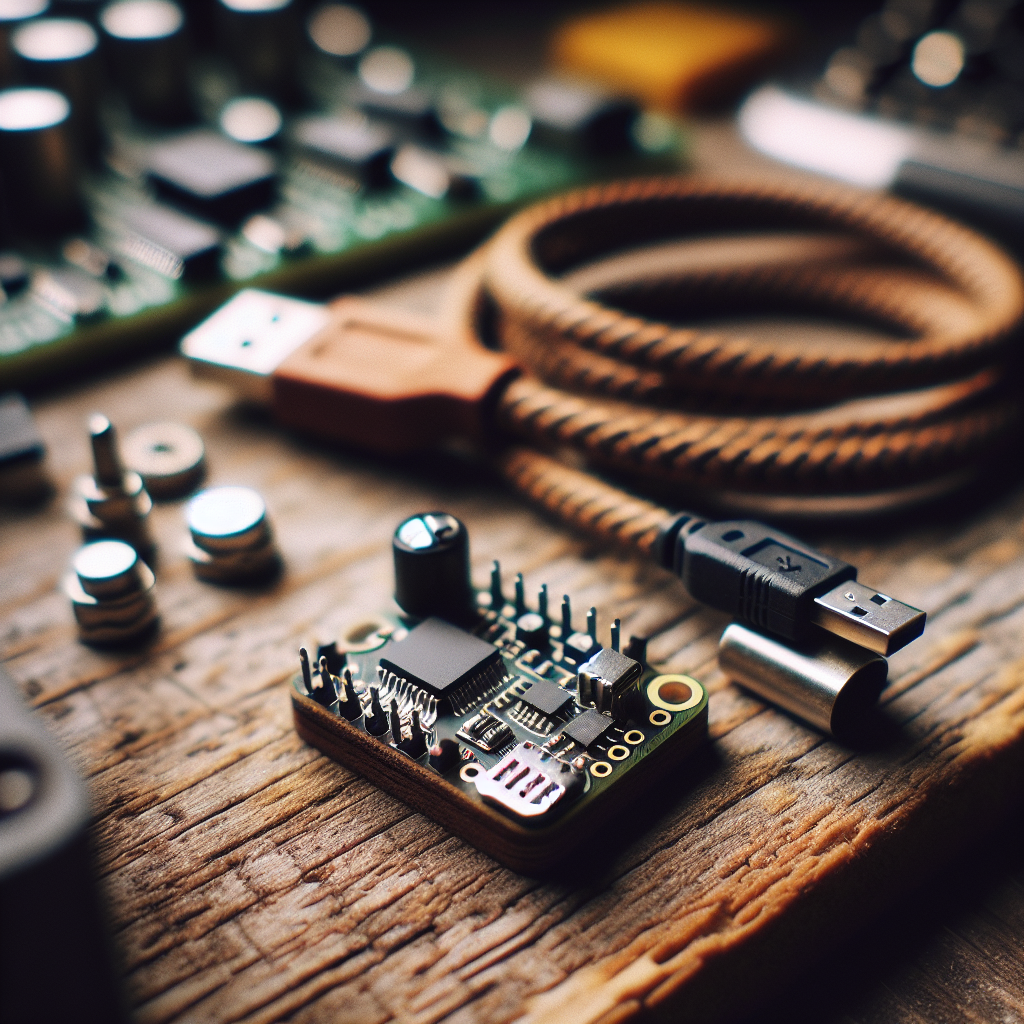
PulseLedger: A Minimal Local Event Ledger for Offline Sensors
 Alex Solis
·
Alex Solis
·
Overview
PulseLedger is a microproject for people who want a simple, reliable way to record events from offline or privacy-conscious sensors. Instead of shipping every trigger to a cloud, this design keeps an append-only ledger on the device and exposes a tiny HTTP read interface for bulk export. The goals are minimal dependencies, easy debugging, and predictable storage behavior so you can retrieve data later or push it in batches from a trusted gateway.
Why an append-only ledger?
Many hobby projects use SQLite or MQTT for event storage—both are valid tools, but they add complexity. Append-only text files are human-readable, easy to rotate, and behave predictably on power loss. PulseLedger uses newline-delimited JSON records, one file per sensor or channel, with simple filename rotation once the file exceeds a size threshold.
Hardware and software stack
Keep it cheap and small. This tutorial assumes a Raspberry Pi Pico W (or similar microcontroller with Wi-Fi) or any board that can run MicroPython or CircuitPython and mount a local filesystem. You need:
- a microcontroller with Wi-Fi (Pico W, ESP32, etc.)
- a micro SD or on-board filesystem with a few megabytes free
- a sensor or button to trigger events
- optional: a small AP/STA network so you can fetch files via HTTP
Software components are intentionally tiny: a single MicroPython script that debounces inputs, writes newline JSON, rotates files, and serves a minimal HTTP GET endpoint to list and download ledgers.
Data format and rotation
Each event is a single JSON object serialized on one line, for example:
{"ts":1625491200,"sensor":"door","type":"open","value":1}
Fields:
ts— Unix epoch seconds (or milliseconds) at event timesensor— logical name of the sensor or channeltype— short event type, e.g.,press,motionvalue— optional numeric payload
Rotation policy is size-based: when file exceeds a threshold (default 256 KB), rename it with a timestamp suffix and start a fresh ledger for that sensor. Keep the N most recent rotations (default N=5) and delete older ones to avoid filling storage.
Core routines (conceptual)
The implementation is intentionally compact. Pseudocode for writing an event:
def append_event(sensor, type, value=None):
  entry = {"ts":now(), "sensor":sensor, "type":type, "value":value}
  open(file_for(sensor), "a").write(jsonline(entry))
  if filesize(file_for(sensor)) > ROTATE_SIZE: rotate(file_for(sensor))
A minimal HTTP server exposes two endpoints:
/list— returns JSON list of ledger files and their sizes/get?file=...— streams back a requested ledger file as plain text
No authentication is included by default; instead run the device on an isolated network or use network-level controls. Authentication can be added later if needed.
Example wiring and debounce
For a push button to detect presses reliably, use a simple hardware pull-up and a software debounce of 20–50 ms. Debounce in the ISR or poll loop and only call append_event when the state is stable. This keeps missed or duplicate events to a minimum while preserving responsiveness.
Export and batch forwarding
PulseLedger assumes the device is the source of truth. To integrate with other systems, periodically fetch rotated files from the device using curl or a small gateway script and forward them to your preferred backend. Because entries are immutable and timestamped, you can safely deduplicate on the receiving side.
Troubleshooting
- If files are empty or missing, check that your code opens files in append mode, not write mode.
- If events disappear after power loss, verify your filesystem is journaling or use small file sizes to minimize write buffering risk. Call
fsyncor the equivalent after writes when using more fragile storage media. - If the HTTP server stalls under load, switch to streaming responses per line and avoid loading entire files into memory.
Privacy, limits and extensions
Recording events locally retains privacy by default, but consider these limits:
- Storage is finite. Rotation and pruning policies should match your data retention needs.
- Time accuracy depends on the board's RTC. If absolute timestamps matter, sync the clock occasionally from a trusted NTP server or provide manual time setting.
- No built-in cryptography means files can be readable by anyone with network or physical access. Add encryption-at-rest or HTTPS if your threat model requires it.
Useful extensions without much complexity:
- Signed exports: sign rotated files with a small HMAC key so receivers can verify integrity.
- Compressed rotation: gzip rotated files to save space and bandwidth.
- Tagging and metadata: add human-readable tags to sensor ledgers for easier filtering.
When to choose PulseLedger
Use this pattern when you want a transparent, easy-to-repair event store for edge sensors: door contacts, buttons, simple motion detectors, or debug hooks. It's especially handy for workshops, prototypes, or privacy-first deployments where cloud dependencies are unacceptable. If you need complex queries, transactions, or multi-device correlation at ingestion time, a more full-featured database upstream is still the right tool.
Wrap-up
PulseLedger trades advanced features for simplicity and predictability. It gives you a readable, auditable timeline of events without the overhead of a full database or cloud service. Start small: wire a button, log presses, fetch rotated files, and grow the system only where you actually need more complexity.