FluxCap: A Minimal Local PWM Dimmer with Tiny Web UI (ESP32-S2)
 Alex Solis
·
Alex Solis
·
Overview
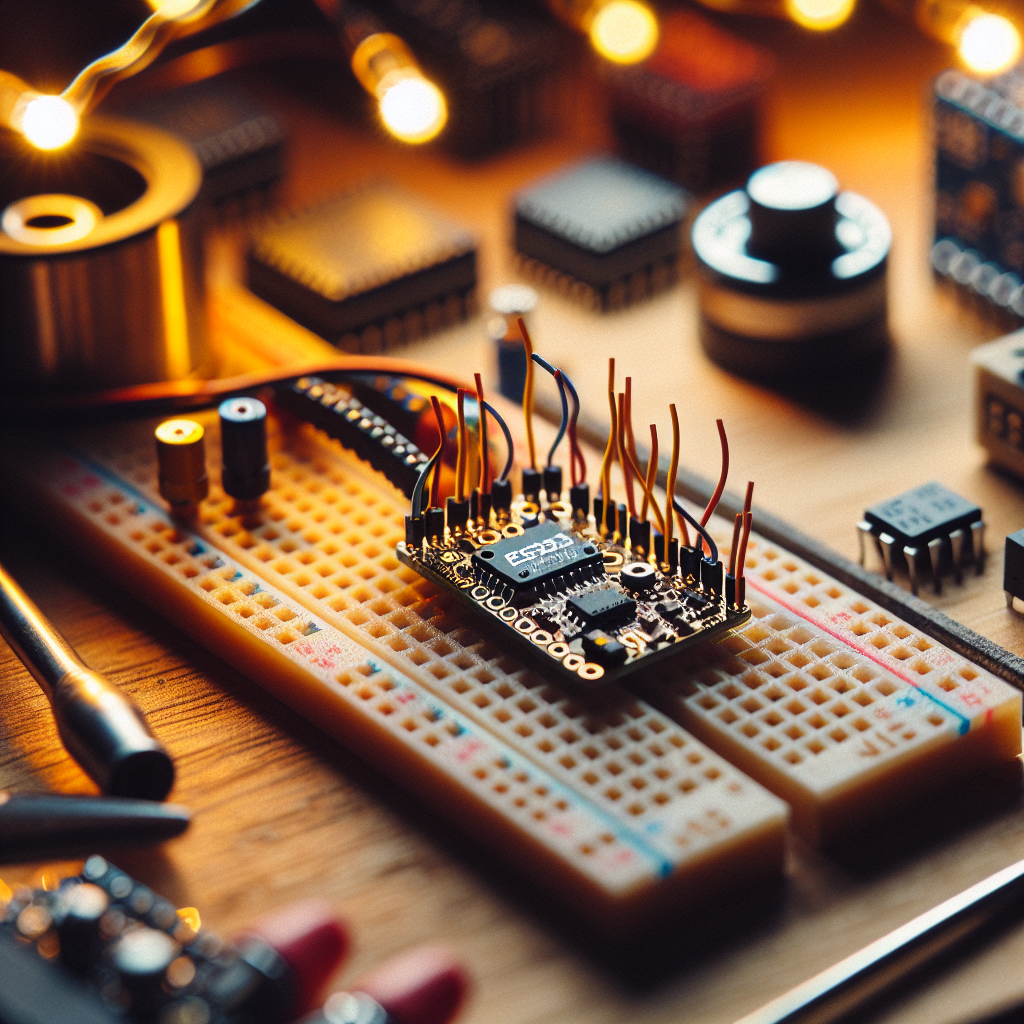
FluxCap is a tiny, local-only dimmer you can build in an evening. It uses an ESP32-S2 for native USB and a nimble HTTP server, a logic-level MOSFET to drive up to a few amps of DC lighting, and an optional rotary encoder for tactile control. The web UI is deliberately tiny — under 1 KB of client-side HTML/JS — and everything runs on the device with no cloud, telemetry, or accounts.
What you get
- Single-board dimmer for low-voltage LED strips or lamps (DC).
- PWM control at selectable frequency to avoid flicker.
- Small local web UI to set intensity and save a single scene.
- Optional rotary encoder for physical control and auto-sleep to save power.
Bill of materials
- ESP32-S2 (WROOM or Saola/any minimal S2 board)
- N-channel MOSFET, logic-level (e.g., IRLZ44N or better Rds-on low-voltage part)
- Rotary encoder with push button (optional)
- Power supply appropriate to your load (5–12 V common for LED strips)
- Few resistors and a small protoboard or perfboard
Wiring (DC only)
- Connect the MOSFET drain to the negative terminal of your LED strip; source to ground; LED positive to +V supply.
- Gate goes to a PWM-capable GPIO on the ESP32-S2 (for example, GPIO 17). Add a 100 ohm series resistor to the gate and a 100k pull-down to ground.
- Encoder A/B to two GPIOs with 10–100k pull-ups, switch to another GPIO (optional).
- Common ground between ESP board and power supply is required.
Firmware outline
The firmware is intentionally minimal. It exposes:
- / -> serves the tiny web UI
- /set?d=NN -> sets duty cycle (0–100)
- /state -> returns a compact JSON with the current duty cycle
Use the Arduino framework for brevity and compatibility. Key ideas:
- Use the ESPAsyncWebServer or the built-in WebServer for blocking code — either works, but Async keeps main loop responsive.
- Use ledc (ESP32 PWM) to set frequency and resolution: 10-bit resolution at 1–5 kHz is a good compromise.
- Debounce the encoder in software and map its steps to 1–5% changes.
- Optionally persist the last scene in SPIFFS or NVS.
Minimal handler pseudocode:
server.on("/set", [](AsyncWebServerRequest *req){
  if(req->hasParam("d")){
    int d = req->getParam("d")->value().toInt();
    d = constrain(d,0,100);
    ledcWrite(channel, map(d,0,100,0,1023));
    saveScene(d);
  }
  req->send(200, "text/plain", "ok");
});

server.on("/state", [](AsyncWebServerRequest *req){
  int current = getScene();
  req->send(200, "application/json", String("{\"d\":") + current + "}");
});
Tiny web UI
Keep the client tiny: a single HTML file with an input range and a bit of JS to POST updates. Inline styles and no frameworks.
<input id="s" type="range" min="0" max="100" value="0"/>
<script>
fetch('/state').then(r=>r.json()).then(j=>document.getElementById('s').value=j.d);
let t;document.getElementById('s').addEventListener('input',e=>{
 clearTimeout(t);t=setTimeout(()=>fetch('/set?d='+e.target.value),80);
});
</script>
This is intentionally tiny: the server serves this snippet directly from flash or SPIFFS. The input's delay reduces network chatter and keeps the ESP responsive.
Power-save and safety
- Auto-sleep: if no web requests or encoder activity for N minutes, optionally lower brightness to a configurable idle level or shut off.
- Thermal: MOSFET on small boards will heat under load; use a proper package and a heat sink when approaching amp limits.
- EMI: use a gate resistor and put a small RC snubber across long LED runs if you see noise.
Troubleshooting
- No PWM or flicker: check ledc frequency and resolution. Try higher frequency if visible flicker persists.
- Encoder jumps: add small software debounce (5–15 ms) and check pull-up values.
- ESP not reachable: confirm you are on the same network or use the S2's USB for serial debugging; check IP printed on serial at boot.
- MOSFET heating: verify Rds(on) at your Vgs; use a logic-level MOSFET rated for your current and add a heat sink.
Why this approach?
Commercial smart bulbs come with cloud baggage and firmware updates you can't inspect. FluxCap is a small, auditable box: the client UI is tiny, server logic is simple, and you control persistence. It fits the Few Bits ethos — low-complexity, low-footprint, privacy-friendly hardware you can understand and repair.
Next steps and variations
- AC dimming: if you want to dim mains lights, use a proper triac-based circuit with zero-cross detection — not for beginners.
- Multiple channels: add more MOSFETs and PWM channels for RGB or grouped lighting.
- USB power-only variant: use the S2's native USB for power and configuration without Wi-Fi when you only need local USB control.
Small projects that do one thing well are easier to audit and keep private. FluxCap aims to be that simple dimmer — writeable, hackable, and local.