BeaconCache: A Minimal Local Wi‑Fi RSSI Logger for Privacy-Friendly Presence Sensing
 Alex Solis
·
Alex Solis
·
What and why
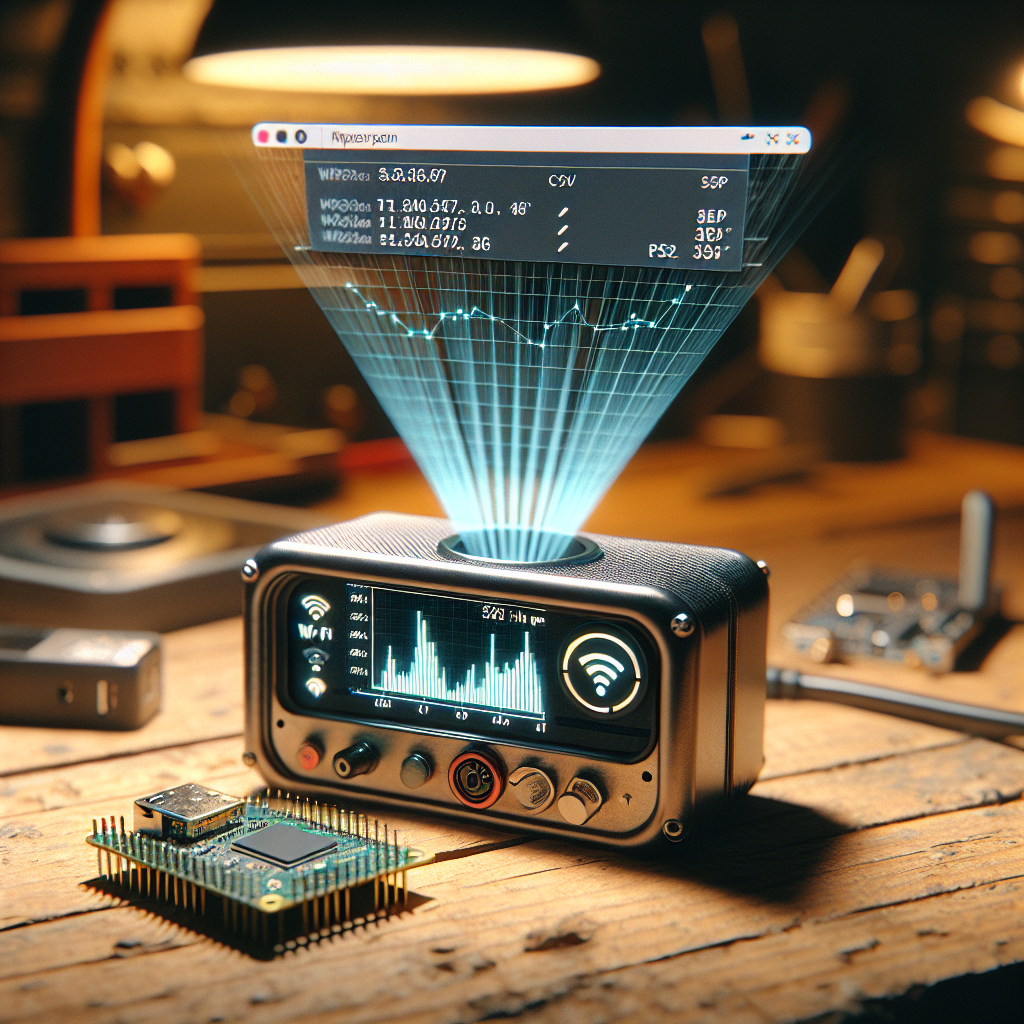
BeaconCache is a deliberately small project: a single-board Wi‑Fi device that scans for nearby Wi‑Fi beacons (probe responses / SSIDs), records a timestamped RSSI reading for each beacon, and exposes a tiny local web UI and CSV export. The emphasis is on local-only operation, low memory usage, and privacy: MACs are hashed before storage so the box never holds plain identifiers that could be trivially correlated.
Required parts
- Microcontroller with Wi‑Fi: ESP32 or ESP32‑S2 recommended (more RAM than ESP8266).
- Micro USB cable, optional LiPo + charger if you want battery operation.
- Optional small enclosure and header pins.
How it works — high level
The device repeatedly scans the radio environment and records observed beacon identifiers and RSSI. Instead of storing MAC addresses directly it computes a keyed hash (HMAC) using a local secret. Readings go into a circular buffer on flash (LittleFS or SPIFFS) as compact records. A minimal HTTP server serves two endpoints: a static web UI (single HTML+JS file) and an API that returns recent records in JSON or CSV. Everything stays on your LAN.
Design choices and tradeoffs
- Hashing identifiers: not perfect anonymization, but it stops the device from keeping plain MACs. If the key is kept local, the log can't be used to quickly identify devices outside the immediate environment.
- Scan interval: shorter intervals give finer temporal resolution but use more power and CPU. Default 30s is a pragmatic compromise.
- Storage format: newline-delimited JSON is human-readable and easy to export; a tiny binary circular buffer would save space but complicate debugging.
Quick setup
- Flash the provided firmware (ESP32 Arduino or PlatformIO). The firmware contains these configurable values in a single header or config file:
SSID,PASSWORD(for connecting to your AP),SCAN_INTERVAL_S, andSECRET_KEYfor hashing. - On boot the device connects to your LAN and starts scanning. Visit
http://beaconcache.localor its IP to open the web UI. - Use the web UI to view recent readings or click Export to download a CSV.
Minimal data format
Each record stored looks like a tiny JSON line. Example:
{"t":1681112345,"h":"d4f7a1c9","r":-72}
t: epoch timestamp (seconds)h: truncated hex HMAC of MAC or SSIDr: RSSI in dBm
Implementation notes
- Use the platform Wi‑Fi scan API to get BSSID/SSID and RSSI. Compute HMAC using a lightweight implementation and truncate to 32 bits to save space.
- Append records to a file in LittleFS. Rotate the file every N records to limit wear and keep write sizes small.
- Serve a tiny HTML/JS page that polls the
/api/recentendpoint and renders a simple table. No external libraries required.
Troubleshooting
- If the device never appears on the LAN, check serial output for Wi‑Fi errors. Common issues: wrong SSID/password, AP using WPA3-only, or captive portal on the network.
- If scans return nothing indoors, try moving the device closer to an access point for a quick test — the scan API will still list APs if the radio is working.
- If logs grow too large, reduce
SCAN_INTERVAL_Sor rotate/trim files more aggressively.
Privacy note: BeaconCache reduces exposure by hashing identifiers and keeping data local. If absolute anonymity is required, do not log device identifiers at all — consider aggregate-only measures (e.g., count of unique hashes per minute without storing hashes long‑term).
Extensions and ideas
- Local alerts: trigger a GPIO or play a sound when a particular hashed beacon is seen.
- Battery mode: add a power-save cycle — wake, scan a few times, store, sleep for minutes to hours.
- Mesh-aware logging: multiple BeaconCache units with different secrets can share anonymized metrics rather than raw hashes.
Wrap up
BeaconCache is intentionally small: a tool you can read through, hack on, and deploy in a few hours to gather presence metrics without shipping data to anyone else. It’s ideal for makers who care about privacy and want simple, local sensing for hobbies like occupancy tracking, pet detection, or signal-strength-based diagnostics.
If you want a starter sketch or a stripped-down web UI template, mention your board and I’ll drop a minimal code snippet you can flash in five minutes.